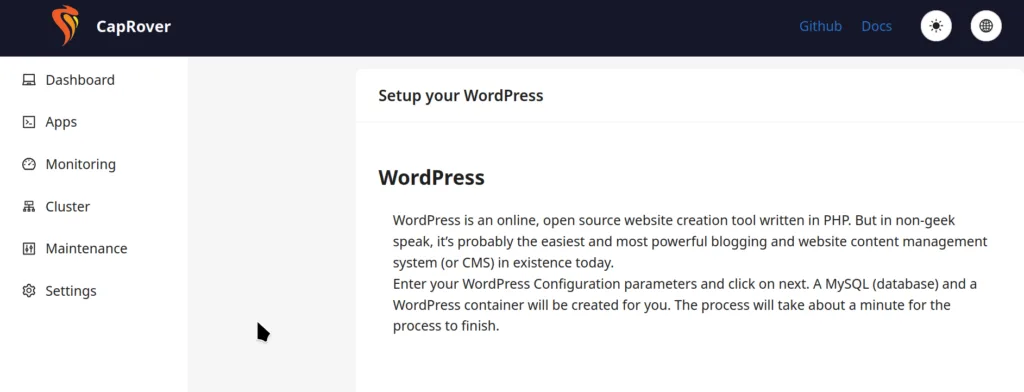
排查博客网站问题的时候还遇到了服务器 UDP 端口阻塞的问题,导致我无法通过 Mosh 登录服务器。先凑合地把服务器的管理软件换成了 1panel,接着按部就班地排查 UDP 连接问题,最后发现是家里网络的代理协议对 UDP 转发有问题,得用 SS 搭配 UDP over TCP 选项才能正常连接。
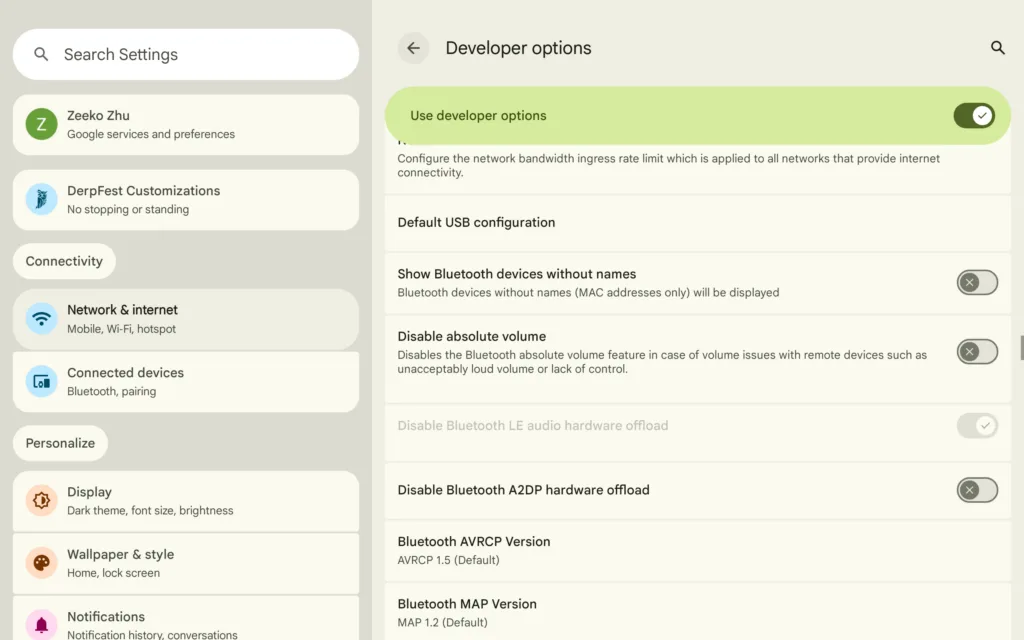
屋漏偏逢连夜雨,才把博客网站修好,结果手机上的 Google Play 又加载不出来了,反复报网络错误。看 Logcat 似乎是无法解析Google API 的 DNS,但其他 App,比如 Firefox,却又可以正常解析。摆弄半天,最后还是靠卸载重装 Google Play 才解决。
就在摆弄手机的时候,老婆又说她的 Windows 笔记本开不了机了,我排查了一会儿,感觉是 Windows11 更新把系统文件弄坏了,尝试用 Dism 检查系统文件完整性,结果发现一切正常。Srt 日志文件中也检测不出来错误,束手无策后只能重装系统了。重装好系统后,我立马设置了 Windows 网络备份,每周备份一次到 NAS 上,这样以后再翻车重装的成本就可以小很多了。
Working with multiple GitHub accounts on the same machine can be tricky, but we can automate account switching when changing workspaces. Here’s my solution using Fish Shell and Direnv.
Prerequisites
Install direnv, this handy tool automatically loads environment variables when you cd into directories.
The Setup
Add this function to your Fish Shell configuration:
function __gh_auth_switch_gh_account --on-variable GH_ACCOUNTiftest -n "$GH_ACCOUNT"gh auth switch --user "$GH_ACCOUNT"endend
How it works
Let’s break down the snippet:
--on-variable tells Fish Shell to run this function when the variable GH_ACCOUNT changes value.
test -n $GH_ACCOUNT returns true if the length of GH_ACCOUNT is non-zero.
gh auth switch --user "$GH_ACCOUNT" switches the active account to $GH_ACCOUNT.
For example, if we need to switch to gh-user-1 under path/to/company/ . We can add a .envrc file under path/to/company:
export GH_ACCOUNT=gh-user-1
When we cd into path/to/company/project1, direnv will set the GH_ACCOUNT variable automatically, and the callback function __gh_auth_switch_gh_account will be invoked by the Fish Shell to make gh-user-1 active.